Capture where the work happens
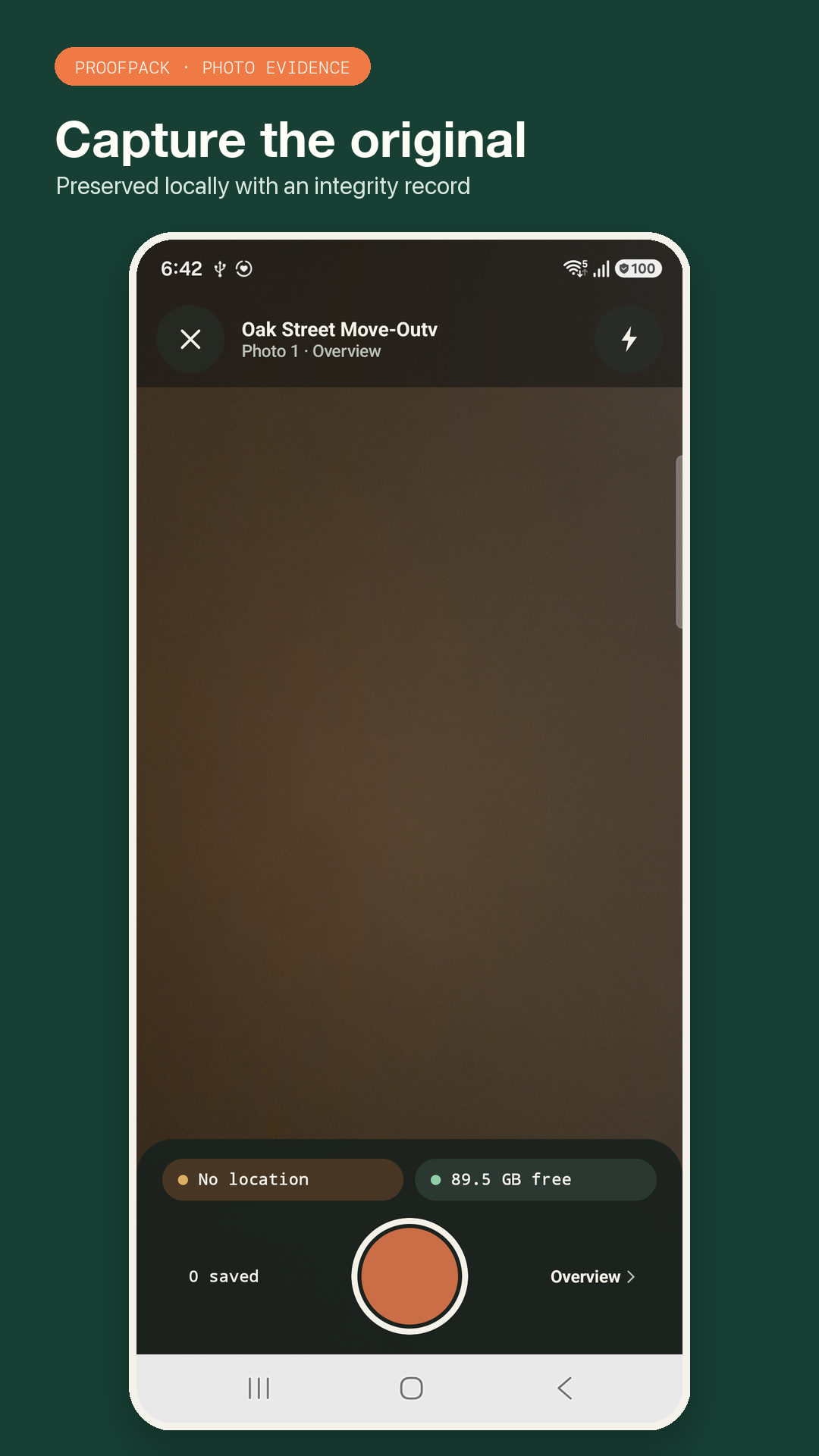
Start a local job and take photos directly into a focused evidence record. Keep the original JPEG in app-private storage while you work.
Photo evidence, made orderly
ProofPack is a property inspection photo documentation app for Android. Capture a job, organize the evidence, create a clear property inspection photo report, and share one complete pack.
Free version · Offline-first · No account · No automatic upload
The useful middle ground
A folder of unlabeled photos is hard to review and easy to misunderstand. ProofPack keeps the capture and report connected, while leaving the evidence on your phone until you choose to export it.
Start a local job and take photos directly into a focused evidence record. Keep the original JPEG in app-private storage while you work.
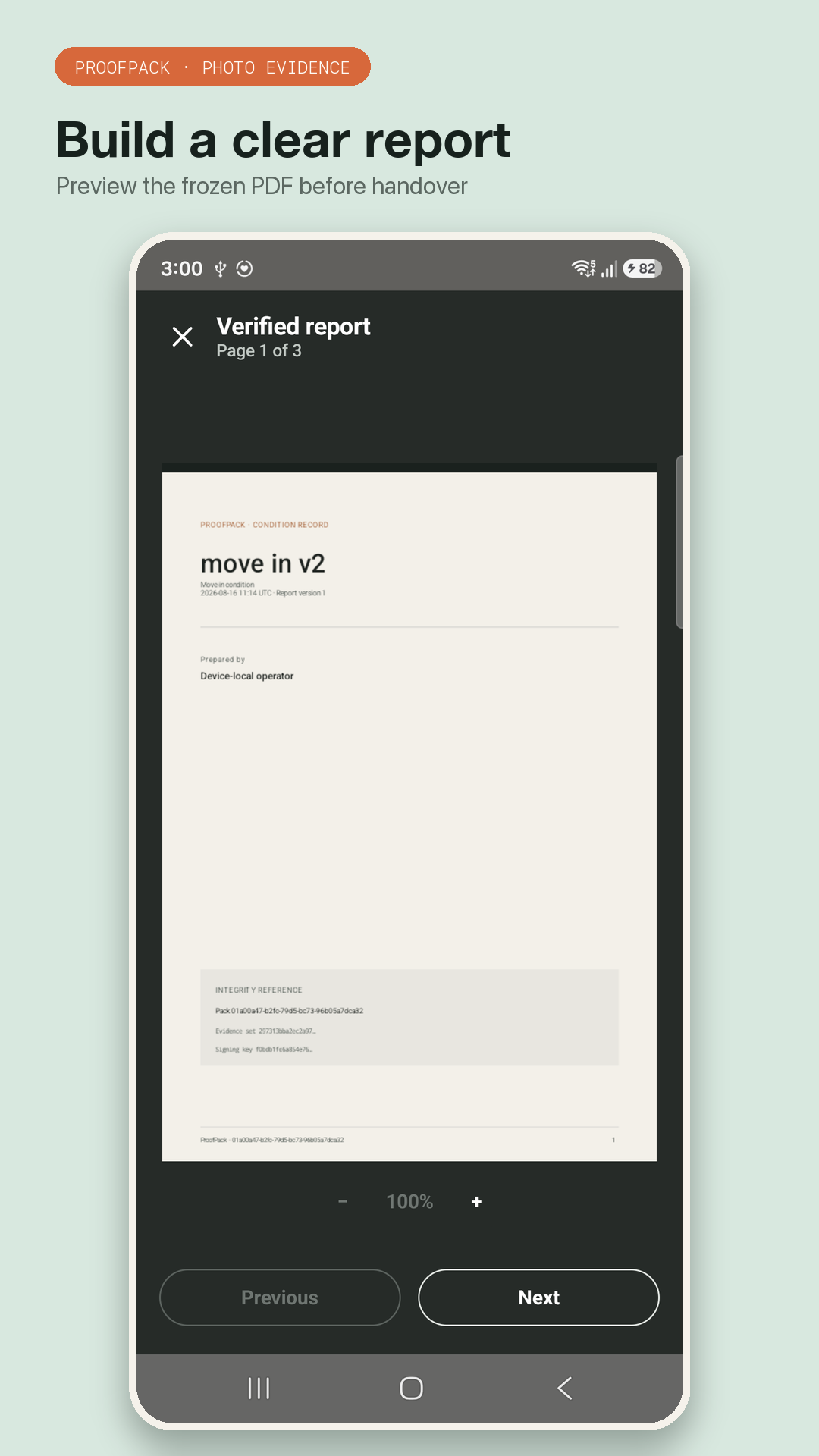
Arrange sections, choose image density, add useful business details, preview the pages, and freeze a report version before handover.
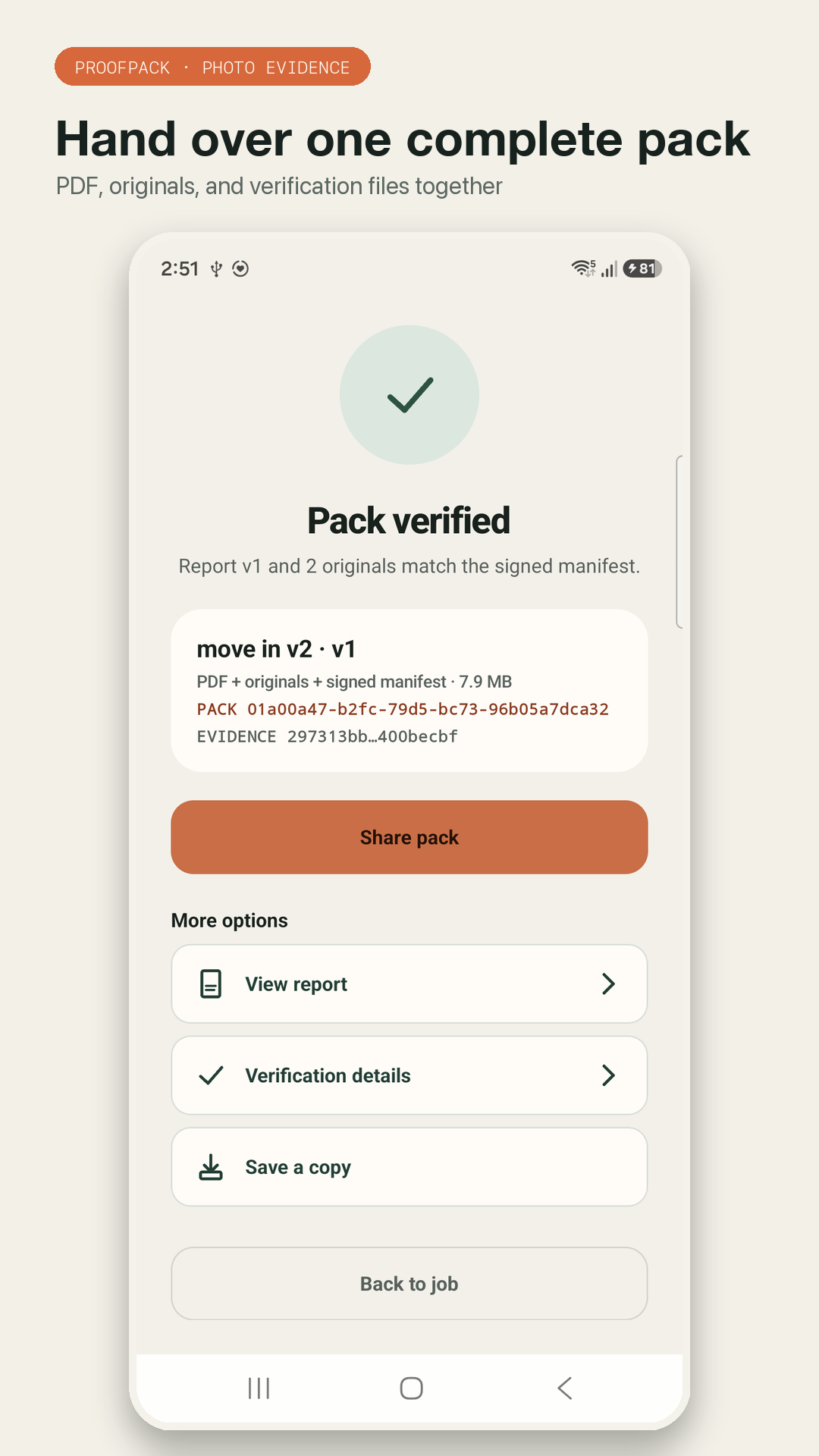
Export a PDF, the original photos, a manifest, signed records, and a public key together through Android’s document picker or share sheet.
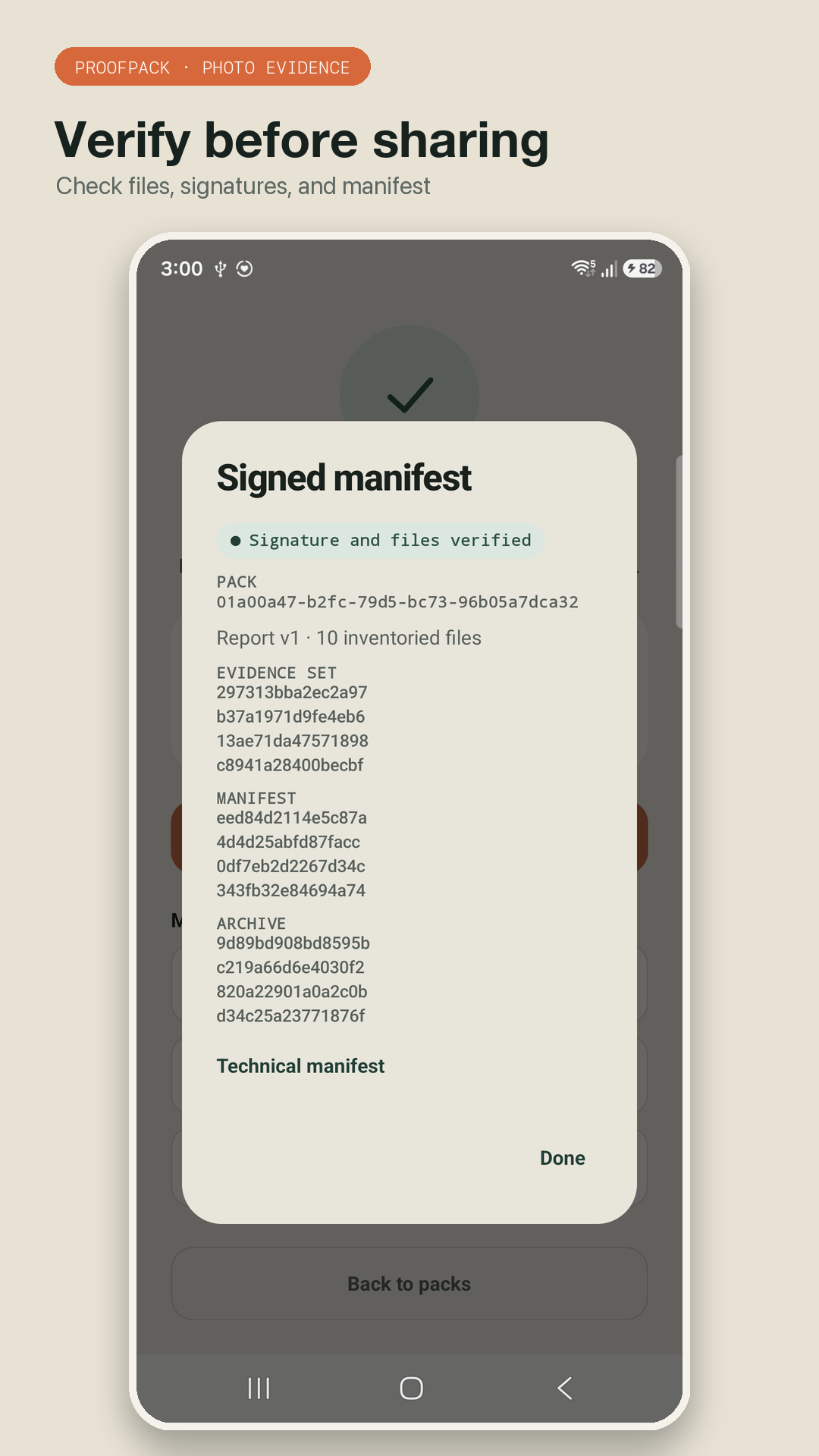
ProofPack can show whether the files match the manifest assembled on this installation. Its limits are explained plainly, without calling it legal certification.
A four-step field workflow
ProofPack stays close to the way field documentation already happens: make a job, capture the scene, shape the report, then hand it over.
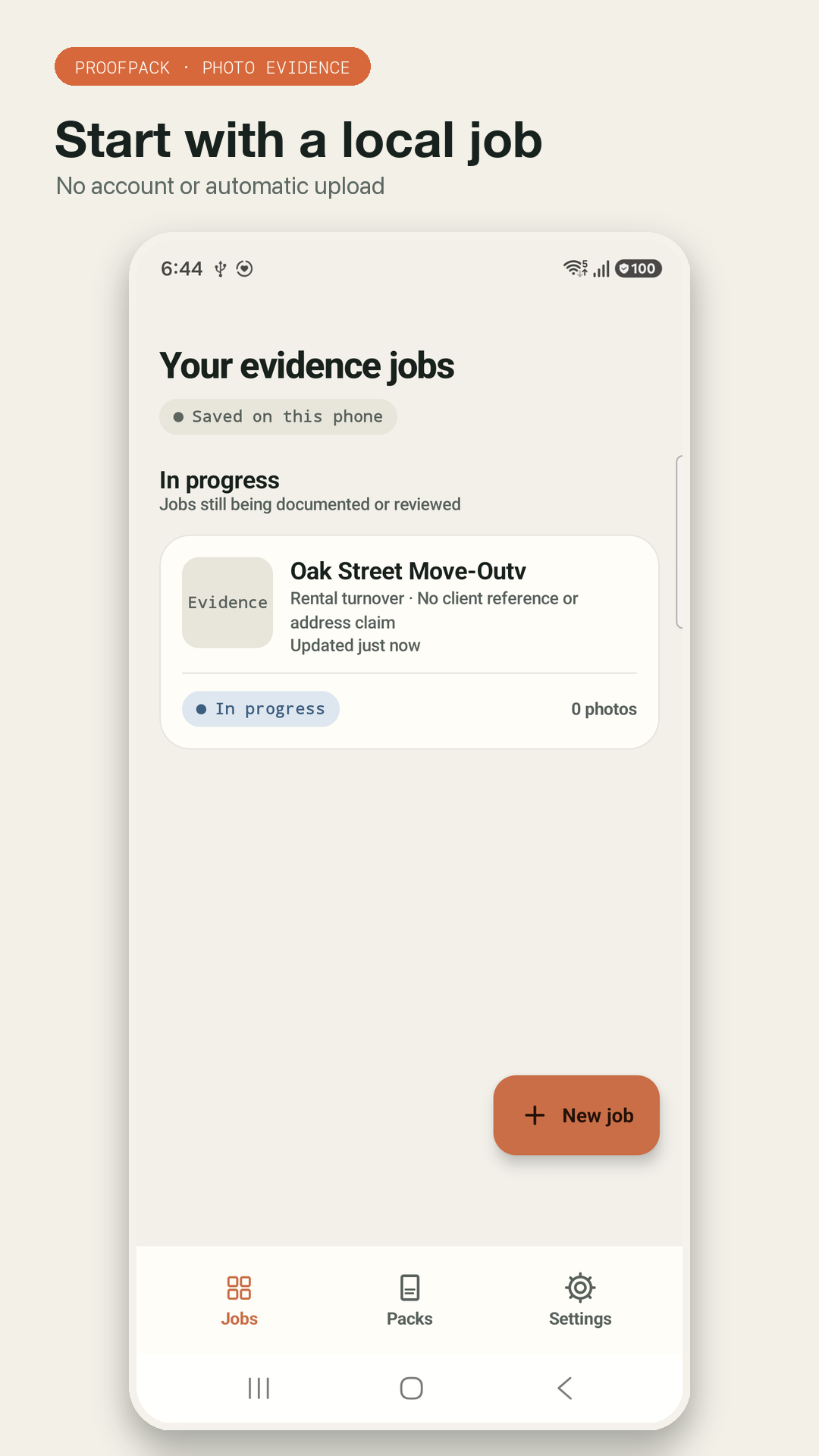
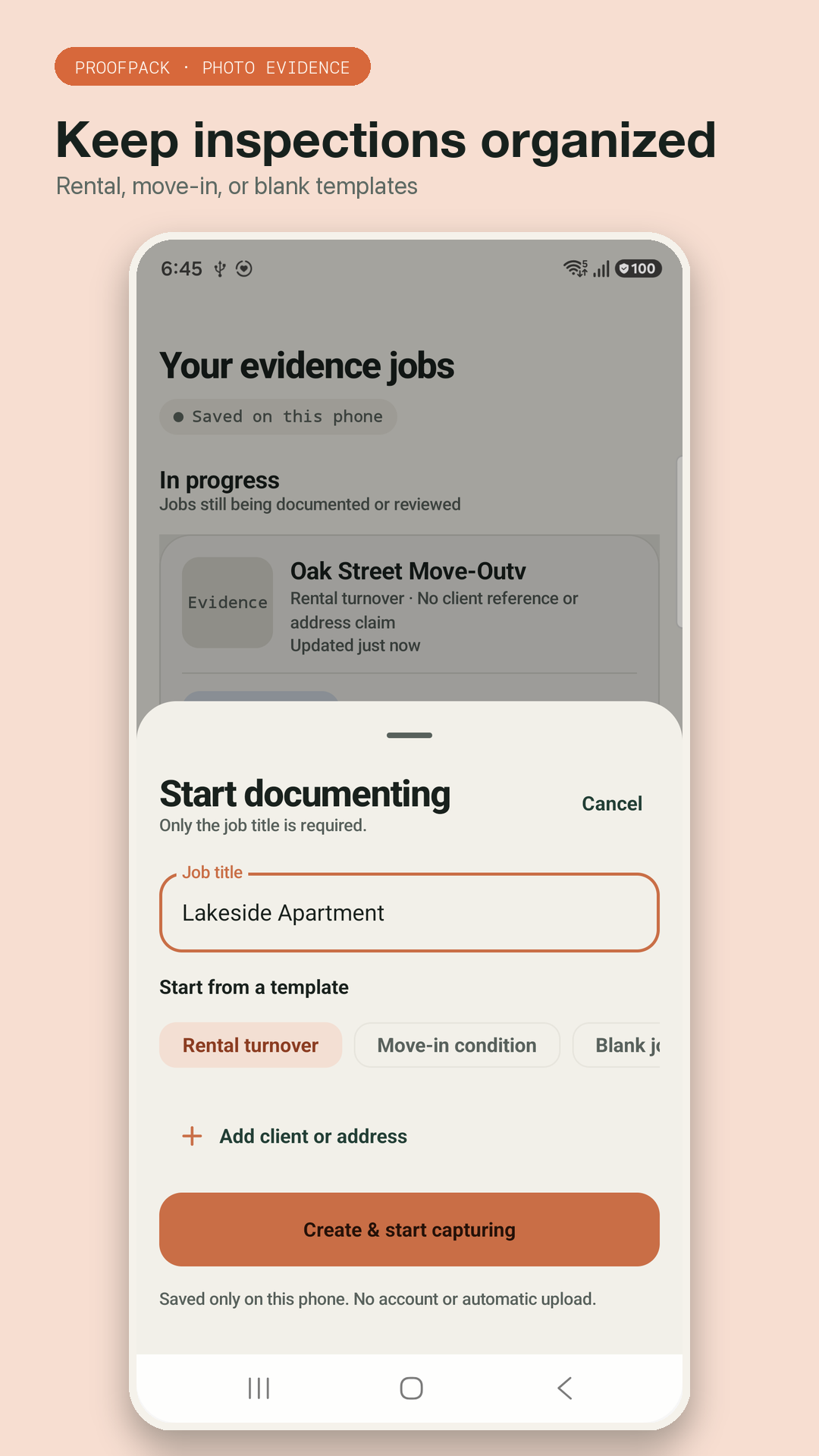
Choose Rental turnover, Move-in condition, or Blank. Add a title, client reference, and optional address without creating an account.
Use the camera to save original JPEGs, review what you captured, and organize the evidence by report section.
Set section order and image density, add business contact details if useful, and preview the PDF before freezing its version.
Check the pack on this phone, then save or share the PDF, originals, and verification files as one complete export.
Made for practical field work
Use ProofPack for property condition checks and other jobs where a clear sequence of photos is more useful than a busy operations platform. It is deliberately narrow: capture, organize, report, verify, share.
Use it on the jobs you already run
Walk room by room, keep the sequence understandable, and give the next person a PDF plus the original files.
Document the starting condition in a local job without asking a tenant or operator to create another cloud account.
Collect jobsite photos into a client-ready contractor photo report instead of forwarding a loose camera-roll dump.
Show what was seen and where, while keeping the wording and evidence boundaries visible in the final pack.
Make a repeatable visual record for a stage of work, with originals available alongside the report pages.
Keep a structured set of observations and photographs that is easy to review away from the jobsite.
Evidence integrity, explained honestly
Each captured original receives a SHA-256 fingerprint. ProofPack signs capture records with an ECDSA P-256 key held by Android Keystore, then includes the signed records, manifest, and public key in the export.
The boundary matters: verification shows whether the files match what this ProofPack installation recorded. It does not identify the operator, prove what happened outside the frame, create a trusted timestamp, or make the report a legal or regulatory certification.
Nothing automatically. The current release has no Internet permission, backend, analytics, advertising, account, or cloud workspace. When you choose Save a copy or Share pack, Android’s own picker or share sheet sends the destination you select.
That local-first boundary is useful for sensitive property photos and jobsite documentation—and it keeps you in control of where the finished pack goes.
Inside the Android app
Six screens show the real story: a local job, an original capture, organized sections, a readable report, verification, and the final complete pack.
Questions before you download?
It is a focused property inspection photo documentation app. It helps you create a local job, capture and organize photos, generate a PDF report, and export a verifiable evidence pack. It is not a scheduling, estimating, forms, or regulatory-inspection platform.
Yes. The current Android release is local-first and does not require an account, cloud workspace, or automatic upload. You need the camera only when you choose to capture photos.
The export can include a PDF report, selected original JPEGs, signed capture records, a manifest, and a public key. You can save it through Android’s document picker or share it through the Android share sheet.
It can create a clear photo report for contractor jobsite documentation, maintenance visits, restoration progress, and similar field handovers. It does not create estimates, invoices, schedules, or project-management records.
No. Verification checks whether exported files match the manifest assembled by this ProofPack installation. It does not prove identity, a trusted time, the full scene, or legal, insurance, or regulatory acceptance.
No automatic upload occurs in the current release. Photos and reports stay on the device unless you deliberately save or share a pack to a destination you choose.
The current release is free to download and use. There is no account or subscription required to create, verify, or share a pack.
Start with one local job. Capture the evidence. Leave with a complete report pack.
Get ProofPack free on Google Play